
Download GPU Shark – GPU monitoring, graphics card performance, real-time monitoring, no installation, portable tool, NVIDIA GeForce, AMD Radeon
Overview
GPU Shark is a specialized utility designed to monitor the performance and health of graphics processing units (GPUs), primarily targeting NVIDIA GeForce and AMD/ATI Radeon models. The application serves as a lightweight, portable tool that enables users to access real-time data about their GPU without requiring any installation process. This makes it particularly useful for individuals who need quick diagnostics, such as gamers, content creators, and system enthusiasts who frequently assess hardware performance during intensive tasks like gaming, rendering, or overclocking.
By providing detailed insights into temperature, fan speed, memory usage, and driver information, GPU Shark helps users determine whether their graphics card is operating within safe parameters. This is crucial for maintaining long-term hardware stability and preventing thermal throttling or performance degradation. The tool is especially beneficial for users who prefer not to install software permanently, offering a plug-and-play experience directly from a USB drive or local folder.
Developed by Jason K. Menard, GPU Shark reflects a focused approach to GPU diagnostics, targeting a niche but vital segment of the PC utility ecosystem. While the developer did not provide additional technical details, the app’s release date of May 29, 2023, indicates it is a relatively recent entry in the field of hardware monitoring tools. Its compatibility with both major GPU brands underscores its versatility across different user setups.
Key Features & Functionality
- Real-Time Monitoring: GPU Shark continuously tracks key performance metrics such as GPU temperature, fan speed, memory usage, and clock speeds. This allows users to observe fluctuations during gaming sessions or rendering workflows, enabling timely adjustments to cooling or settings.
- No Installation Required: The application runs directly from a compiled executable file. Users can simply download the tool and launch it by double-clicking the file, eliminating the need for setup or administrative privileges.
- Multi-GPU Support: GPU Shark is compatible with both NVIDIA GeForce and AMD Radeon graphics cards, ensuring broad usability across different hardware configurations and user preferences.
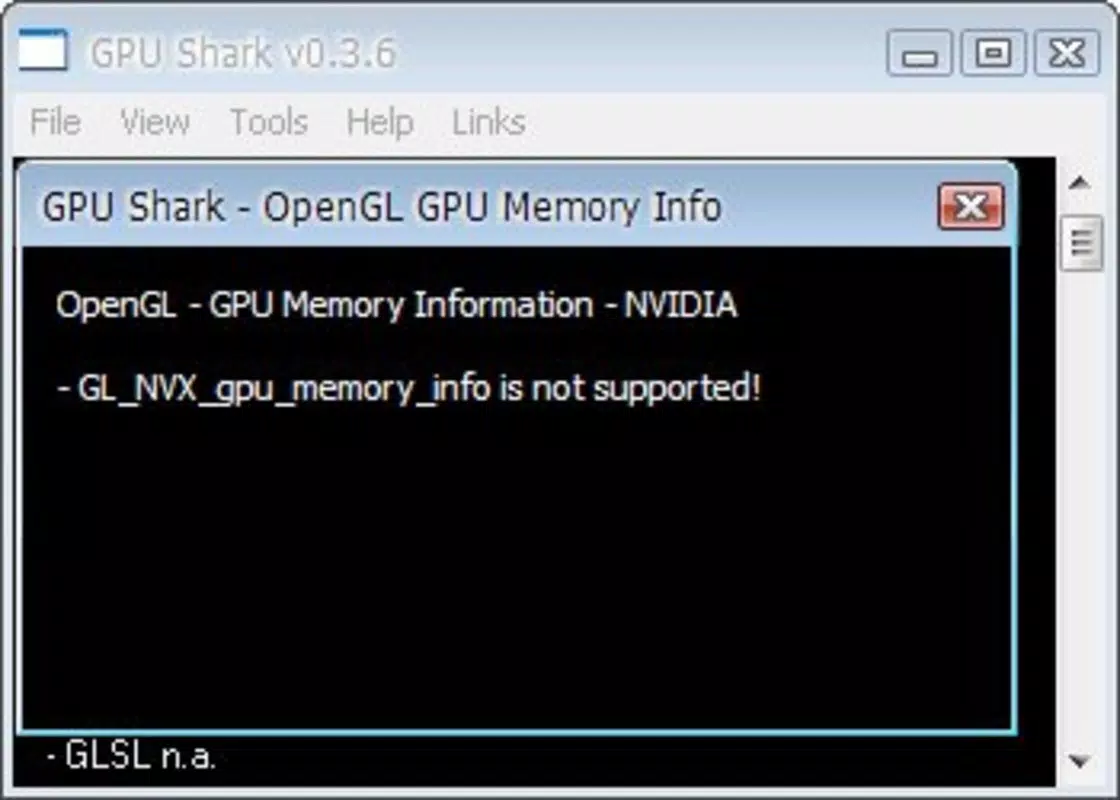
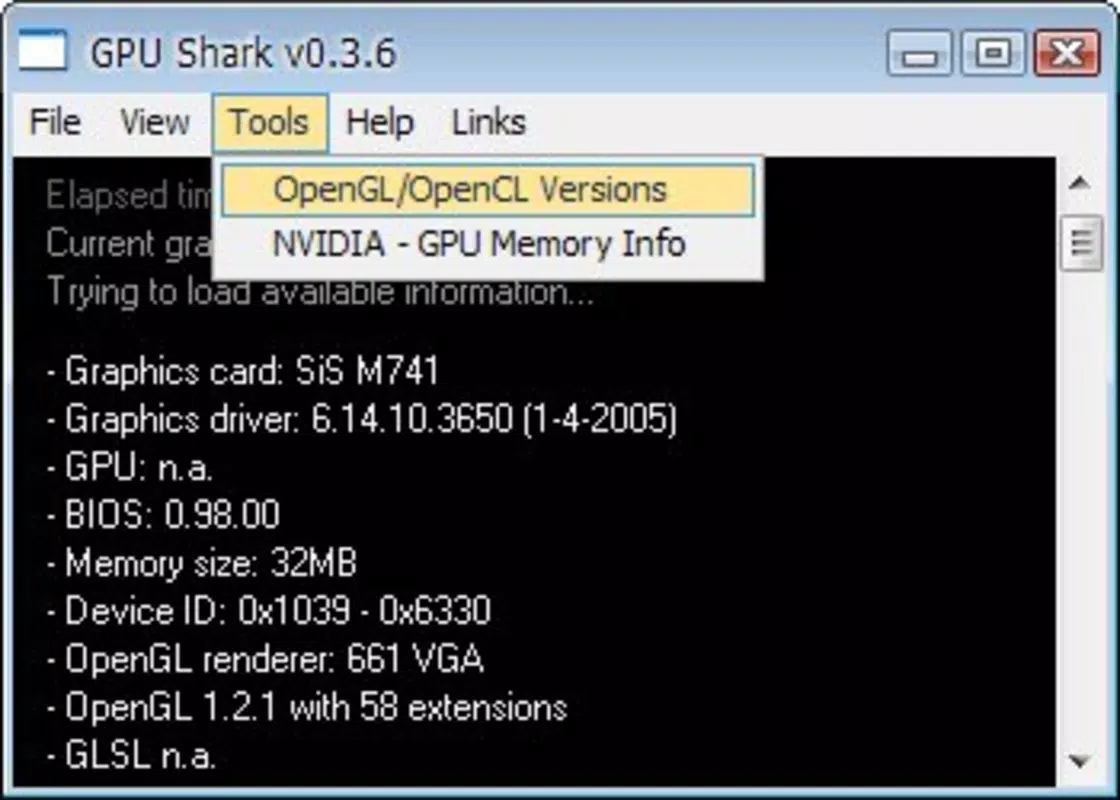
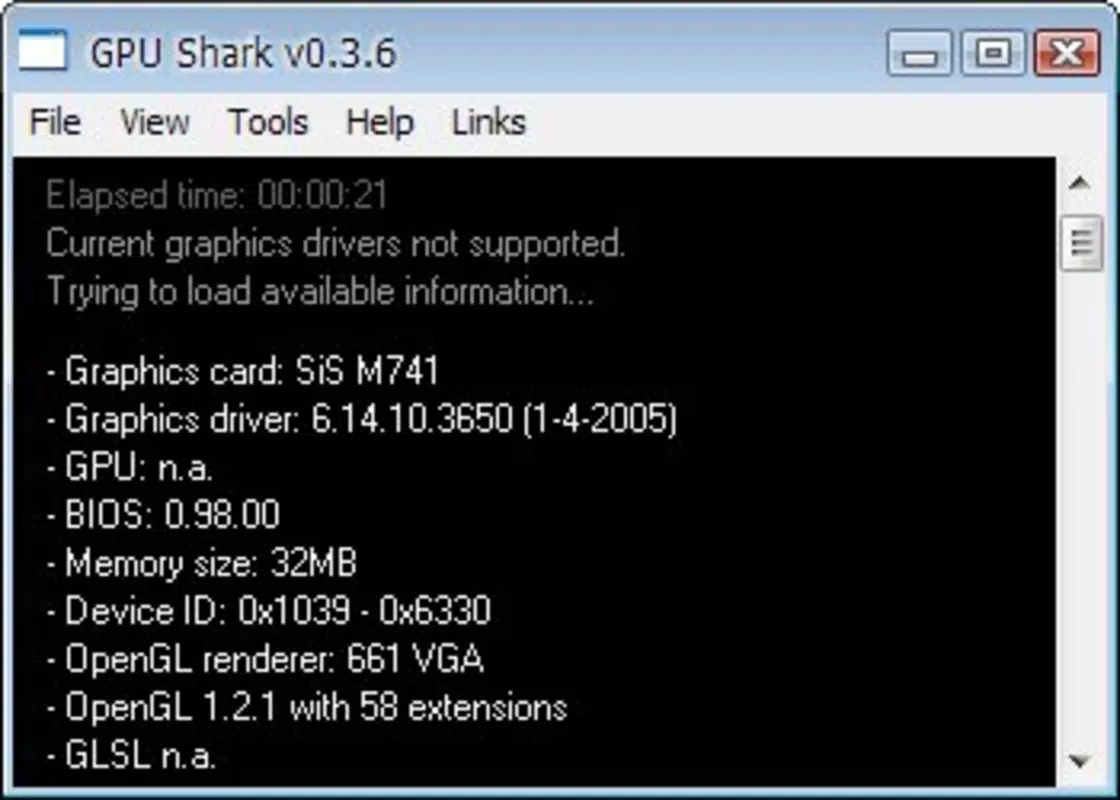
- Detailed Hardware Information: The interface displays comprehensive data including driver version, available VRAM, operating system compatibility, and GPU model details, which is valuable for troubleshooting or system optimization.
- Portable Design: With a file size of just 2.5 MB, the tool is highly compact and suitable for use on multiple systems without leaving traces or requiring system changes.
For example, a gamer experiencing sudden frame drops can use GPU Shark to check if the GPU temperature is spiking, indicating potential thermal issues. A designer working on high-resolution projects can monitor memory usage to ensure they are not exceeding VRAM limits. The tool’s immediate accessibility makes it ideal for temporary diagnostics or on-the-go system checks.
Interface, UX & Performance
GPU Shark features a clean, minimalistic interface that prioritizes clarity and usability. The layout is straightforward, with performance metrics displayed in a tabular or graph-based format, depending on the version. Navigation is intuitive, with essential data presented in real-time without the need for complex menu interactions.
The user experience is optimized for efficiency, allowing users to quickly assess GPU health with minimal cognitive load. The design avoids clutter, focusing only on the most relevant information. This simplicity benefits both novice users who may be unfamiliar with hardware monitoring and advanced users who prefer fast access to critical data.
Although the developer did not list formal performance metrics, the application’s lightweight nature—only 2.5 MB in size—suggests it consumes minimal system resources. It is likely to run smoothly on a wide range of Windows systems, including older or low-spec machines. Responsiveness is expected to be high due to the absence of background services or installation overhead.
Stability appears to be a key strength, as the tool operates without requiring system modifications. However, specific requirements for different Windows versions were not disclosed, so users should ensure compatibility with their current OS before use.
Platform Compatibility & Technical Requirements
GPU Shark is designed exclusively for the Windows platform. The application is compatible with modern Windows operating systems, though the developer did not specify exact minimum OS requirements. Given its release date in May 2023, it is likely optimized for Windows 10 and Windows 11, but users on older versions should verify functionality independently.
The app has a file size of 2.5 MB, which reflects its lightweight and portable nature. This small footprint makes it easy to store on USB drives, external storage, or cloud folders for use across multiple devices. The absence of installation means no disk space is permanently allocated during use.
Specific hardware requirements were not listed by the developer. However, the tool’s compatibility with both NVIDIA GeForce and AMD Radeon GPUs suggests it supports a wide range of modern graphics cards. Users should ensure their GPU is recognized by the system and that drivers are up to date for optimal data accuracy.
Pros and Cons
Pros
- Lightweight and portable with no installation required
- Real-time monitoring of GPU temperature, fan speed, and memory usage
- Supports both NVIDIA GeForce and AMD Radeon graphics cards
- Minimal system resource usage
- Free to download and use
Cons
- Compatibility with older Windows versions was not confirmed
- Developer did not provide detailed technical specifications
- Interface lacks advanced customization options
- Only available for Windows, limiting cross-platform use
- No built-in alert system for threshold breaches
FAQ
Is GPU Shark safe to use?
Yes, GPU Shark is a portable application that does not require installation or administrative rights. It runs directly from a compiled file, minimizing security risks. However, users should download it only from trusted sources to avoid tampering.
Can I use GPU Shark on multiple computers?
Yes, due to its portable nature, GPU Shark can be used on any Windows machine without leaving traces. It is ideal for checking GPU performance across different systems, such as gaming PCs or workstations.
Does GPU Shark work with all graphics cards?
GPU Shark is specifically designed for NVIDIA GeForce and AMD Radeon GPUs. While it may function on other cards, compatibility is not guaranteed. Users should verify support for their specific model.
Is GPU Shark updated regularly?
The app was released on May 29, 2023. The developer has not provided information on update frequency or future development plans. Users should monitor official sources for updates.
Do I need to install drivers to use GPU Shark?
No, GPU Shark does not require additional drivers. It relies on existing system drivers to access GPU data. Ensure your graphics drivers are up to date for accurate readings.
Final Thoughts
GPU Shark stands out as a practical, no-frills solution for users seeking real-time GPU monitoring without the overhead of installation. Its portability, broad GPU compatibility, and minimal system impact make it a valuable tool for gamers, designers, and system administrators who need quick, reliable diagnostics. While it lacks advanced features like customizable alerts or historical data logging, its core functionality is executed efficiently and reliably.
For users who prioritize simplicity, speed, and cross-device usability, GPU Shark delivers clear value. Its free availability further enhances its appeal, especially when compared to more complex monitoring suites. Whether you're troubleshooting performance issues or simply checking your GPU’s health, this tool offers a straightforward and secure way to stay informed.
Download GPU Shark now


